Coordinate Transform
Open from ‘2. Preprocess Transform / Align…‘.
In PIV experiments, the camera is rarely perfectly aligned with the flow geometry. Even a tilt introduces errors in all derived quantities, including mean profiles, Reynolds stresses, line profiles, and integral scales. Always apply the transform before opening any analysis module.
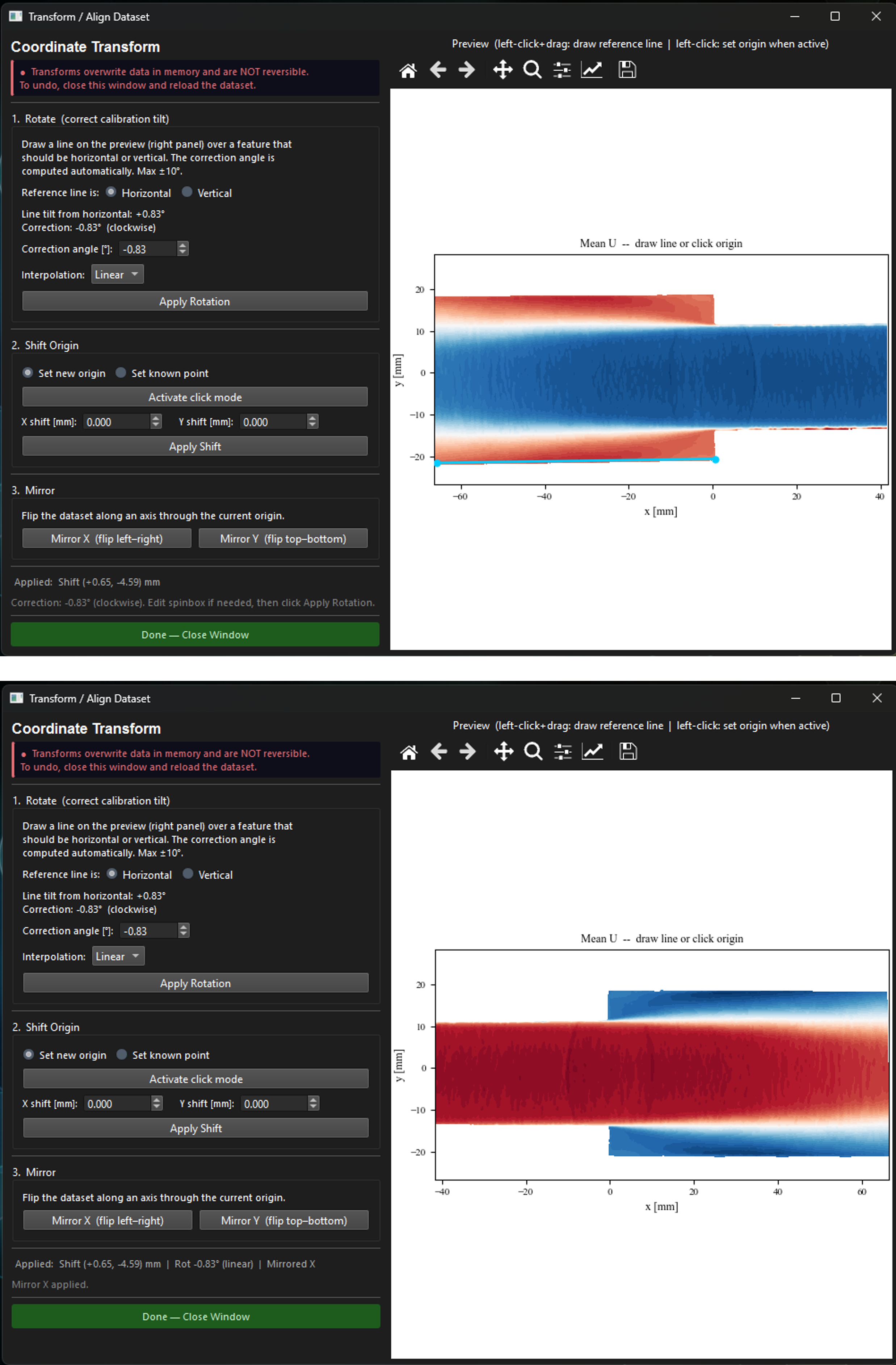
Figure 1:Coordinate Transform window. Left: controls. Right: live preview of the mean field. A reference line drawn along the lower pipe wall is shown in cyan. The computed correction angle appears automatically in the left panel.
Rotation
Origin shift
Moves the coordinate origin to a physically meaningful reference point such as a step corner, pipe inlet, or cylinder center. Two modes are available: ‘Set new origin‘ (click on the point that should become ) and ‘Set known point‘ (click a point and enter what its real-world coordinates should be).
Mirror
Flips the entire dataset along an axis through the current origin. ‘Mirror X‘ negates all -coordinates and the component; ‘Mirror Y‘ negates all -coordinates and the component.